Everything your panel can do
One dashboard for your whole server: live console, file manager, backups, schedules, player management and more. No SSH required.
See it in action
Real screens from the panel every OmneHosting server uses.
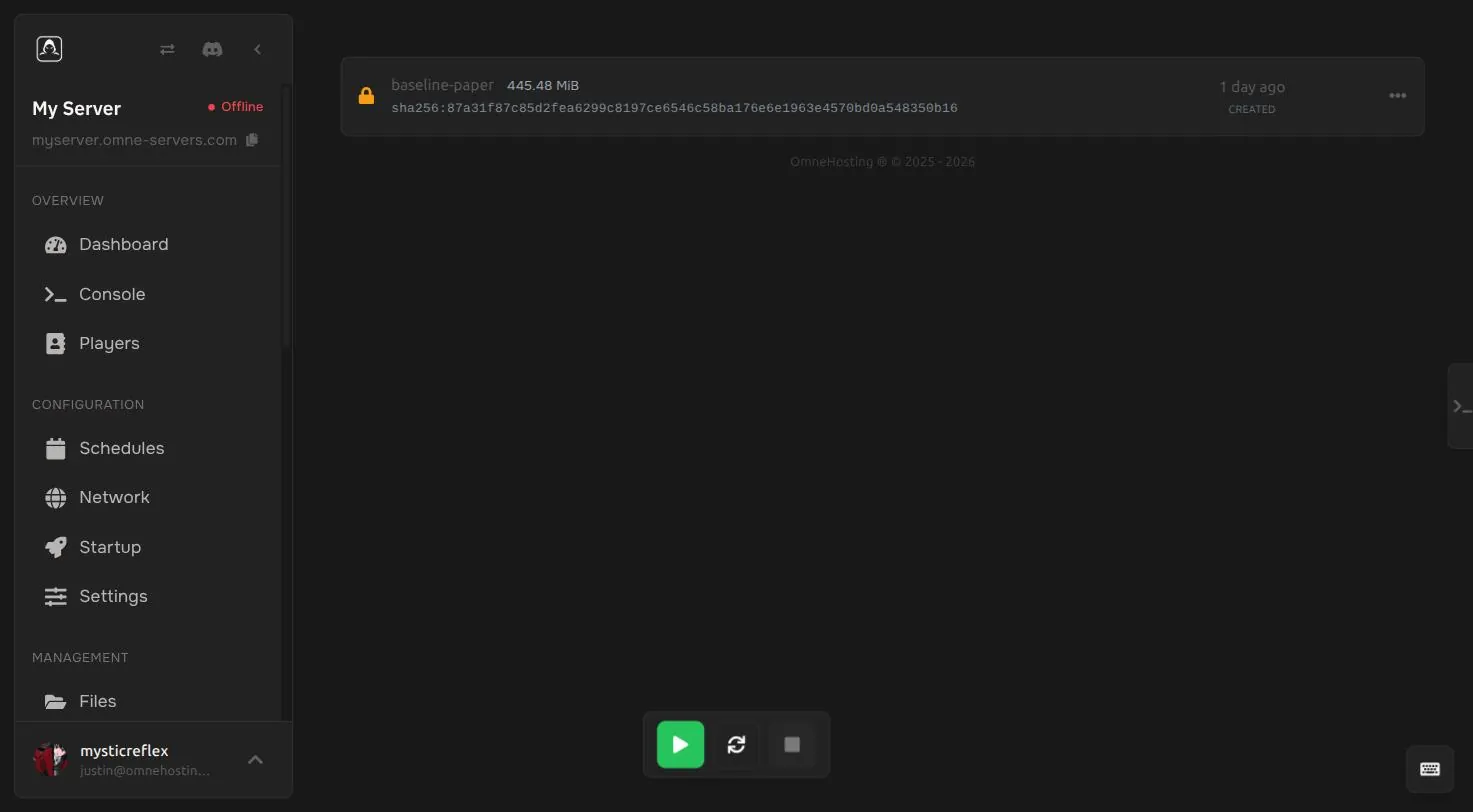
Everything you need day to day
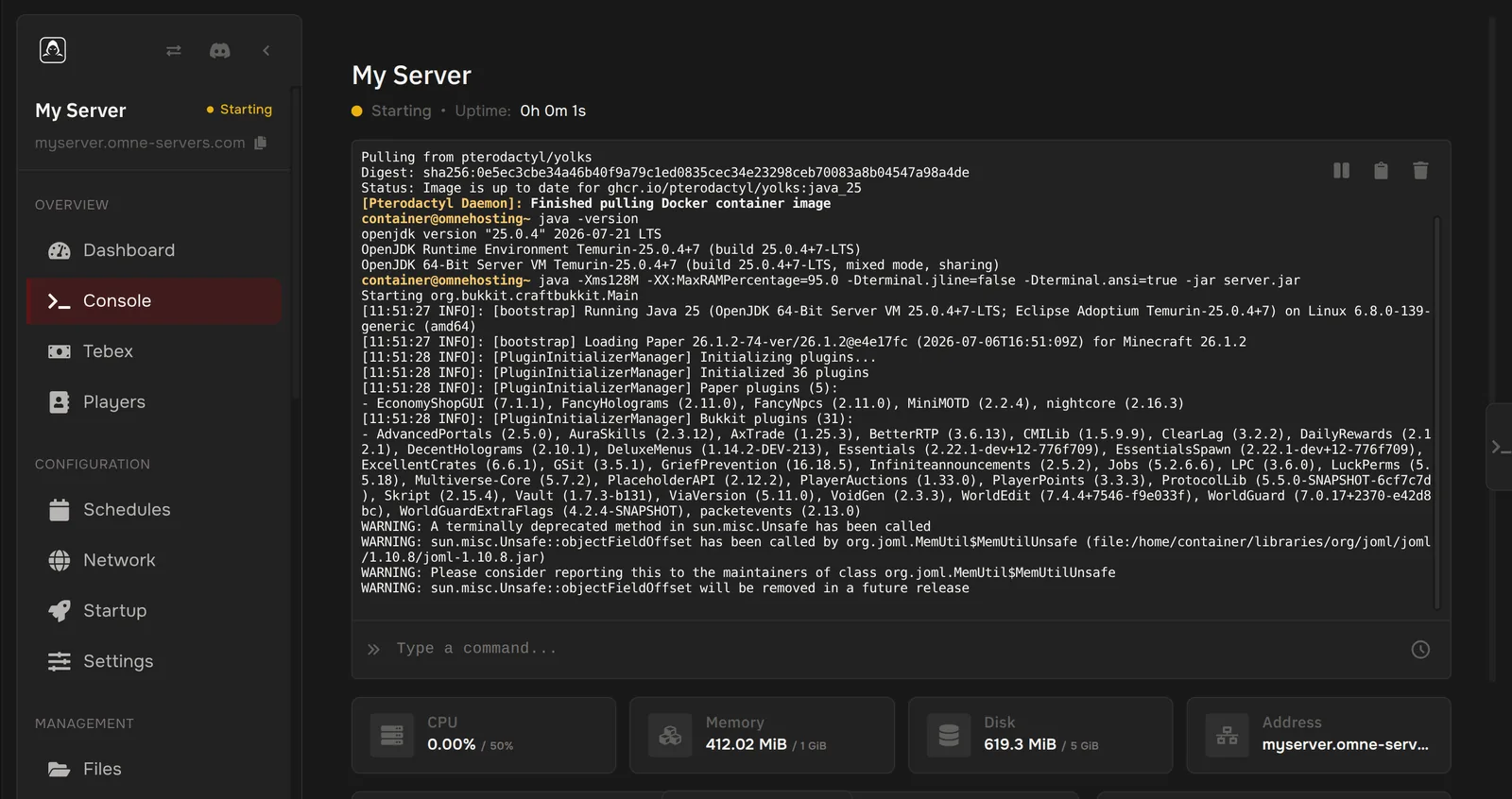
Live console
Watch server output in real time and run commands without SSH.
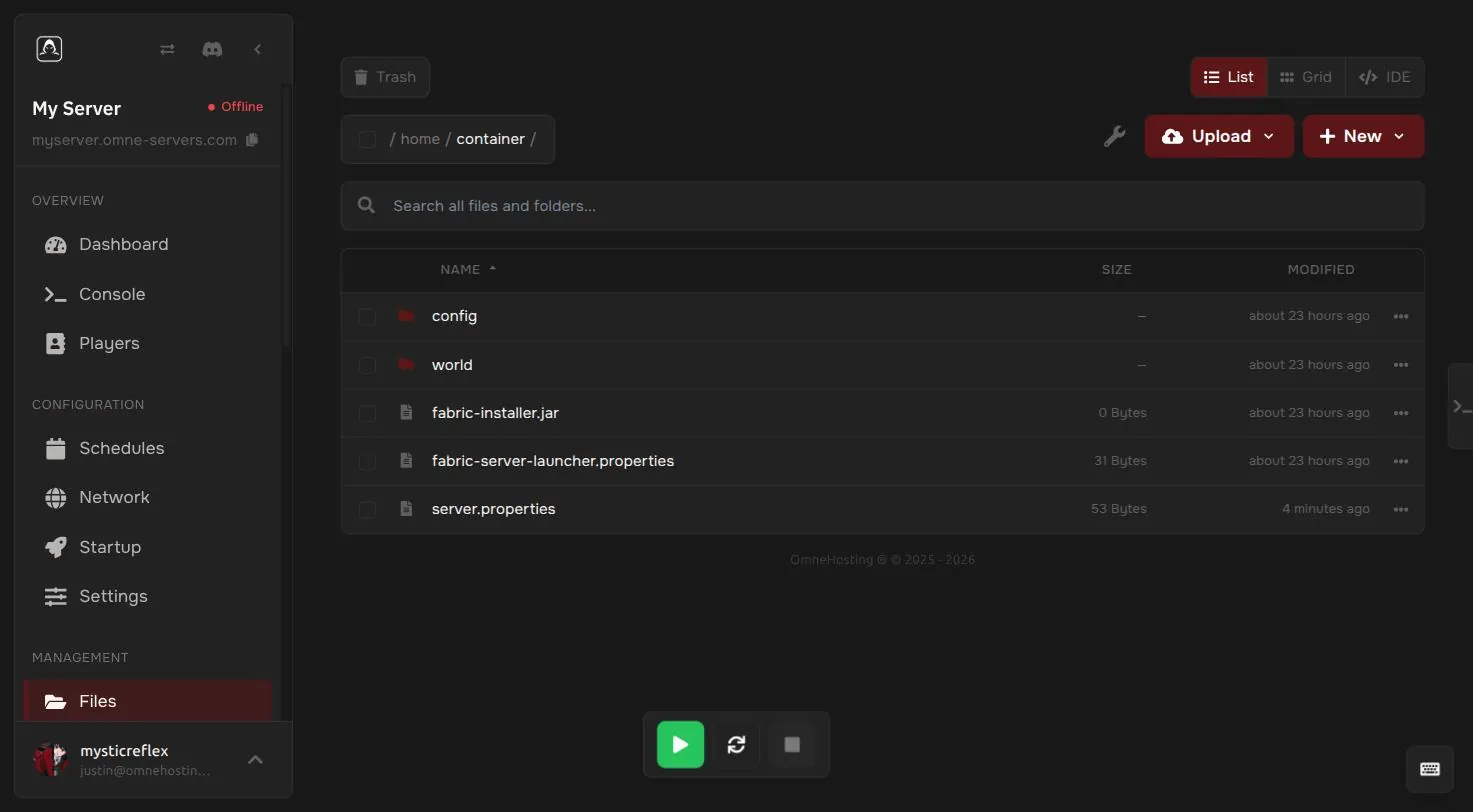
File manager & SFTP
Edit, upload, download and archive files straight from your browser, or connect over SFTP.
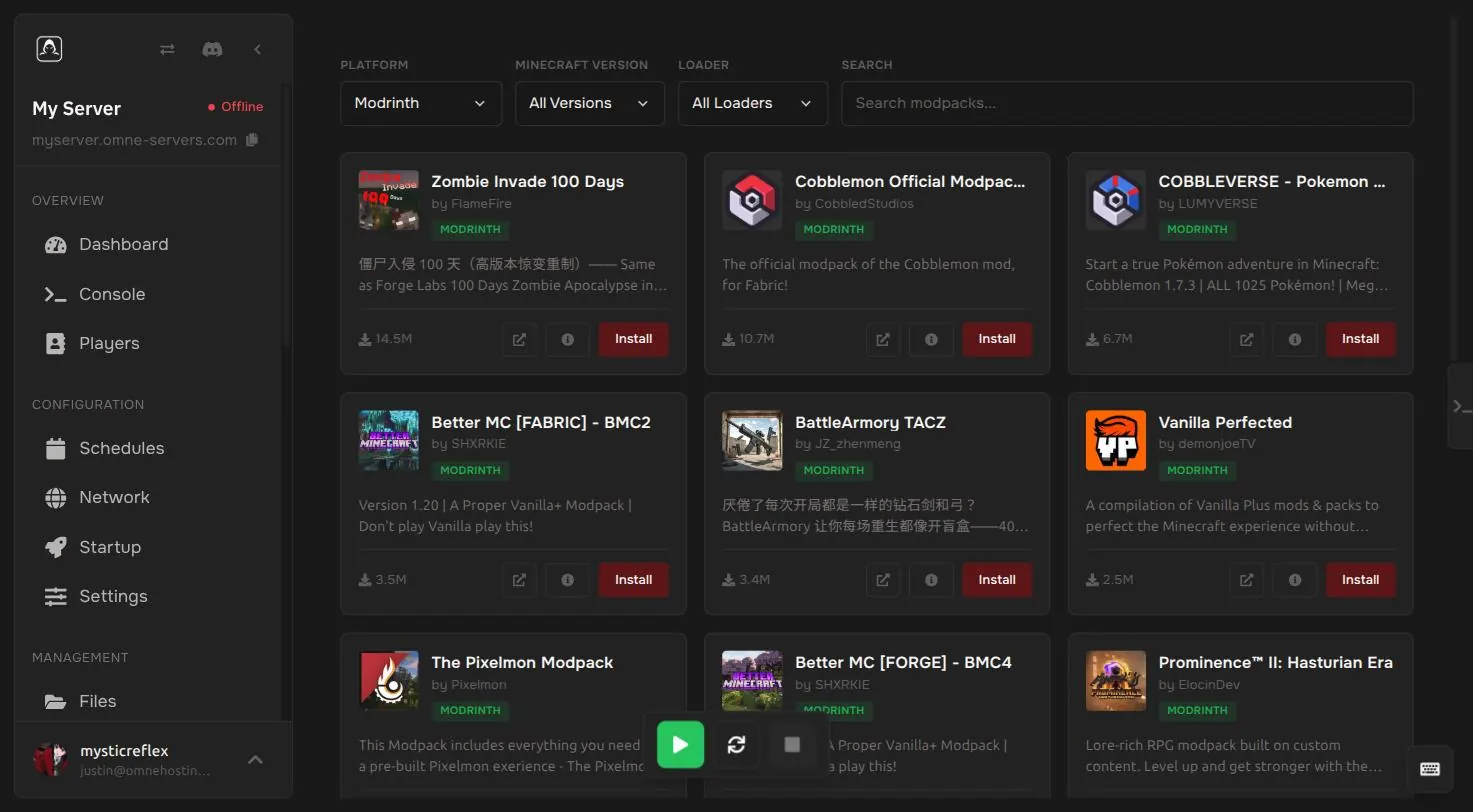
One-click modpacks
Search Modrinth and install modpacks and plugins without touching a config file.
Automatic backups
Schedule backups and restore, download or lock any of them in one click.
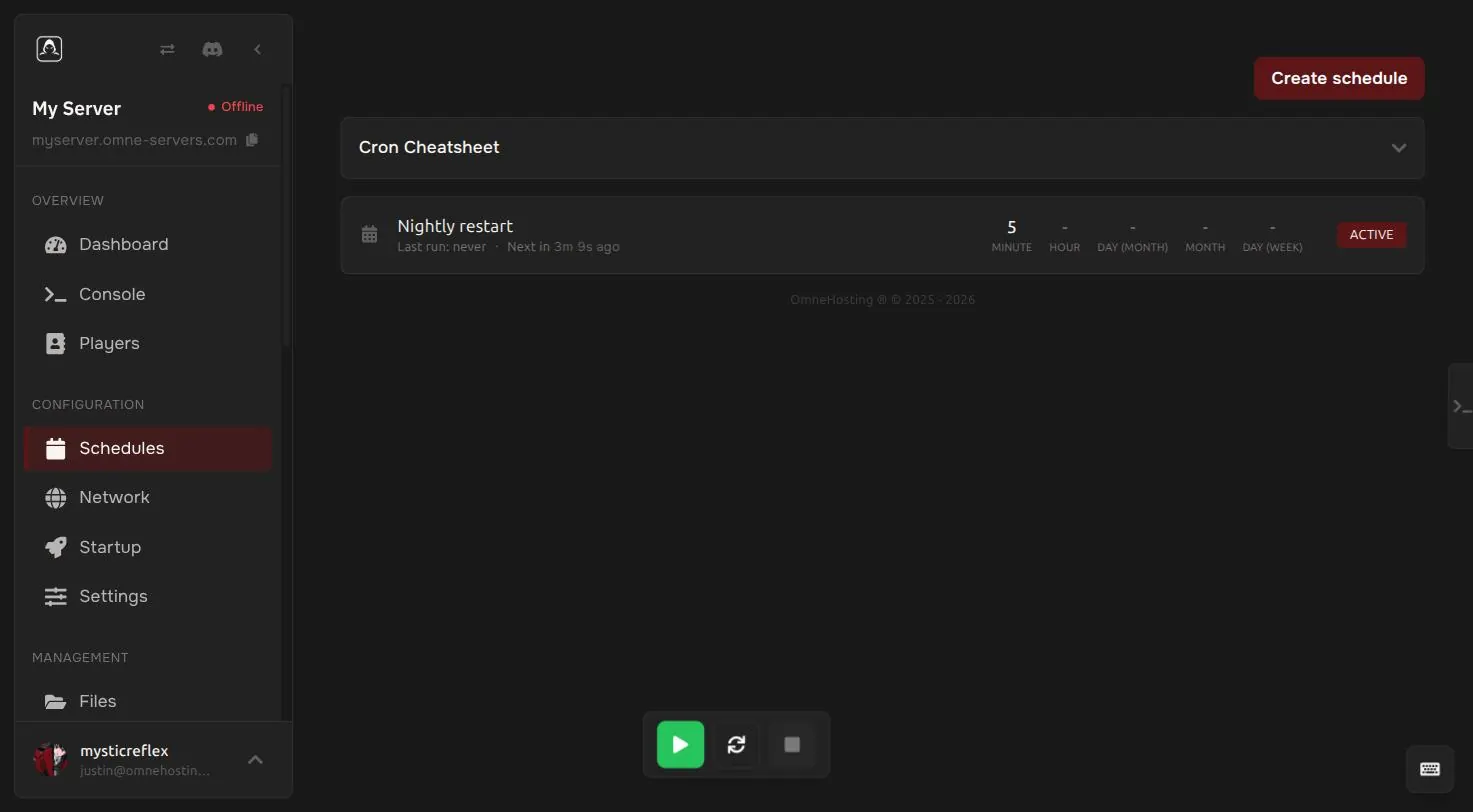
Scheduled tasks
Automate restarts, backups and commands on your own schedule, simple interval or full cron.
Sub-users & permissions
Add friends or staff with their own login and only the access you grant them, permission by permission.
And when you need more
Player management
See who is online, whitelist, op, ban or kick players without typing a single command.
Network & port allocations
Manage every port and hostname assigned to your server from one screen.
Free subdomains
Give friends a name to join instead of a raw IP, straight from the panel.
Startup & version switching
Change the Docker image, JVM flags and server version, or reinstall in a couple of clicks.
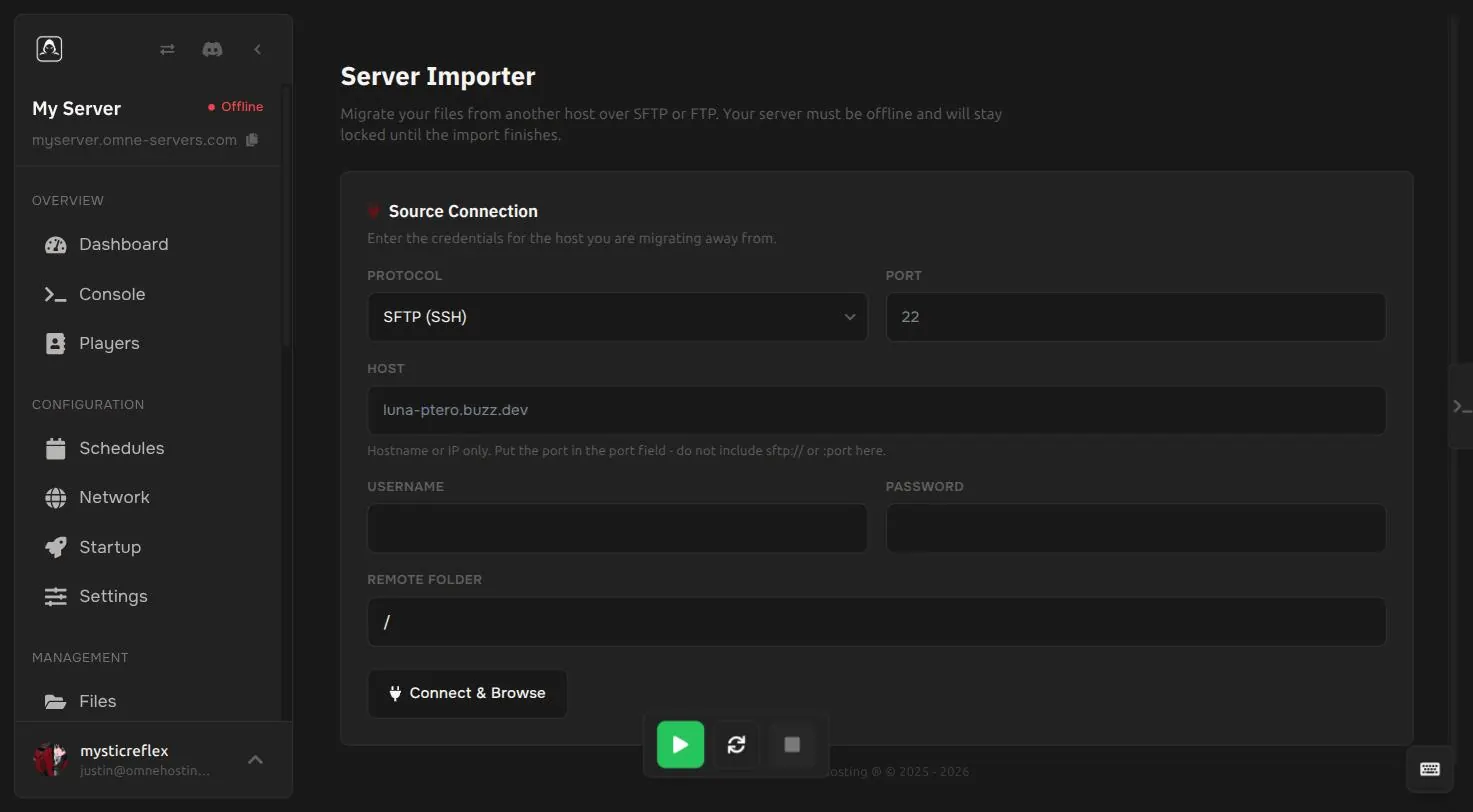
Server importer
Already hosted elsewhere? Connect over SFTP or FTP and bring your files across.
Ready-made setups
Install a pre-built Skyblock, survival or other setup instead of starting from a blank world.
The less common stuff, also included
Database manager
Create and manage MySQL databases per server, or export and import SQL directly.
Split your resources
Carve a new server out of your existing one's RAM, CPU and disk without buying a second plan.
Activity log
See exactly who changed what and when, down to the sub-user.
One panel, every game
The same panel, sections and permissions whether you are running Minecraft, Rust, Valheim or anything else we host.
Already hosted somewhere else?
Connect to your old host over SFTP or FTP and bring your whole server across, no manual re-uploading.
- Works with SFTP and FTP
- Your new server stays locked until the import finishes, so nothing overlaps
- No file size limit beyond your plan's disk space
You are never on your own
Help when you need it
You do not need to be a server admin to run one.
- Tickets open 24/7, with a target reply within 1 day
- Ask in our Discord community
- Step-by-step guides in our docs
3-day money-back guarantee
Not what you expected? Ask for your money back within 3 days, no questions asked.
- On new game server orders
- Days 4 to 7: by support ticket, at our discretion
- VPS is not refundable, see the refund policy
Questions
About the panel.
Do I need any technical skill to use the panel?
No. Every feature on this page works from your browser: console, files, backups, schedules and player management all use plain buttons and forms, no command line required.
Can multiple people manage the same server?
Yes. Add sub-users with their own login and pick exactly which permissions they get, from full access down to just the console.
Are backups automatic?
Yes, once you schedule them. Create a schedule to back up on a timer, then restore, download or lock any backup in one click.
Can I install mods, plugins or modpacks with the panel?
Yes. The Modpacks tab searches Modrinth directly and installs with one click, no manual file uploads.
Can I switch server versions or software later?
Yes, from the Startup page: change the server version, Docker image or JVM flags, or reinstall from a different egg entirely.
Can I move my server from another host?
Yes. The Server Importer connects to your old host over SFTP or FTP and copies your files across for you.
Is the panel different for each game?
No. It is the same panel, navigation and permission system across every game and app we host.
See it on your own server
Pick a plan and the panel is ready as soon as checkout clears, with a 3-day money-back guarantee on new game server orders.